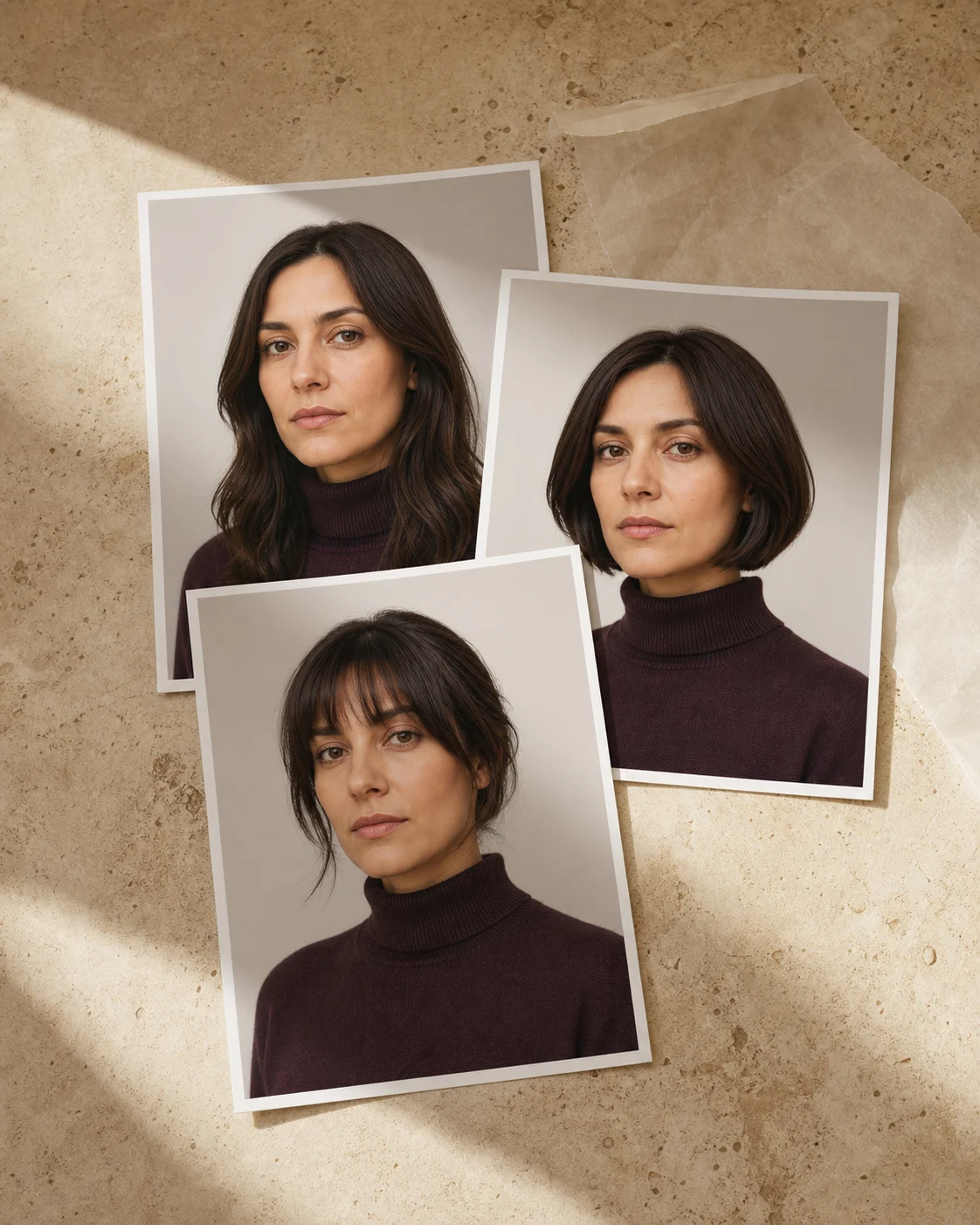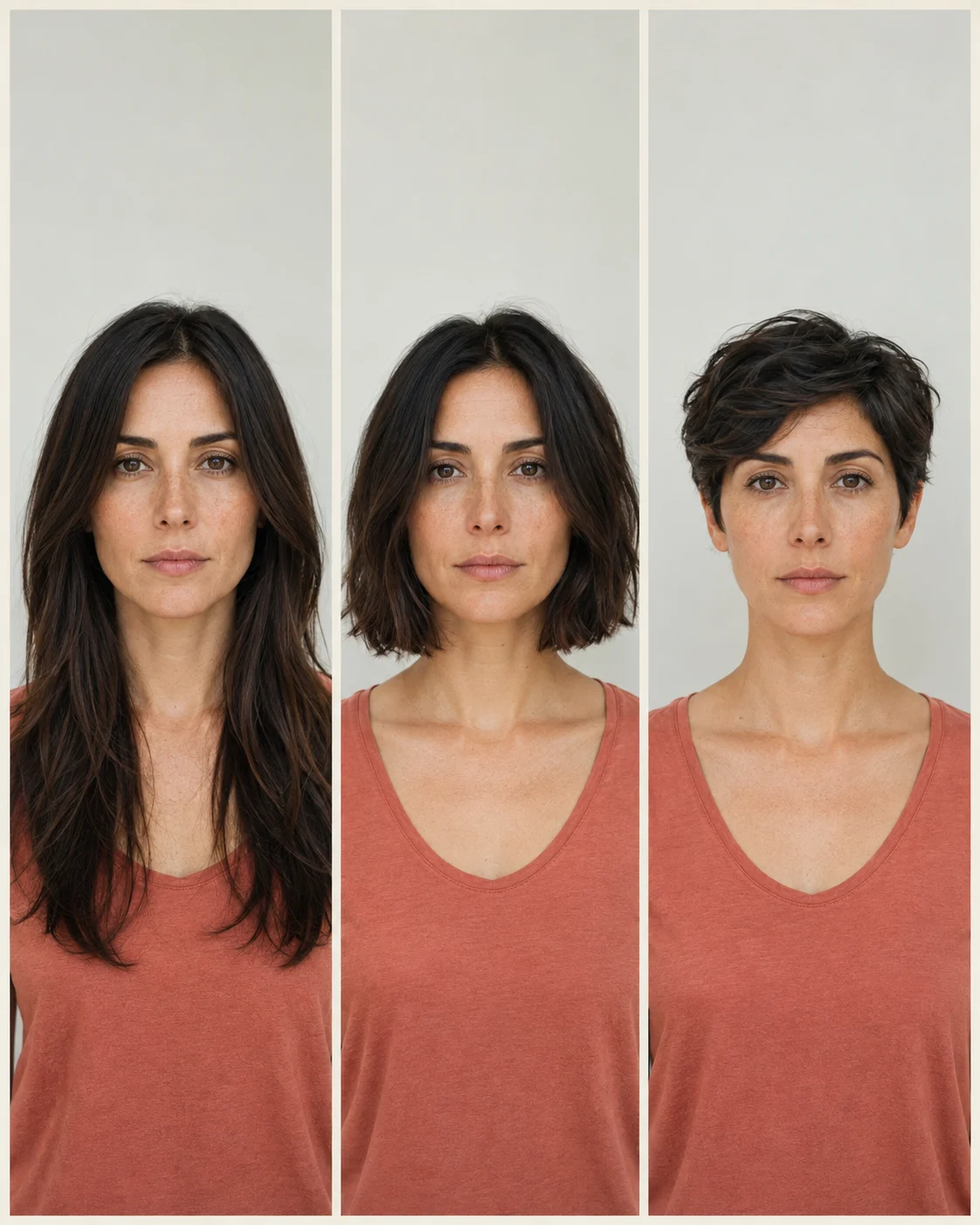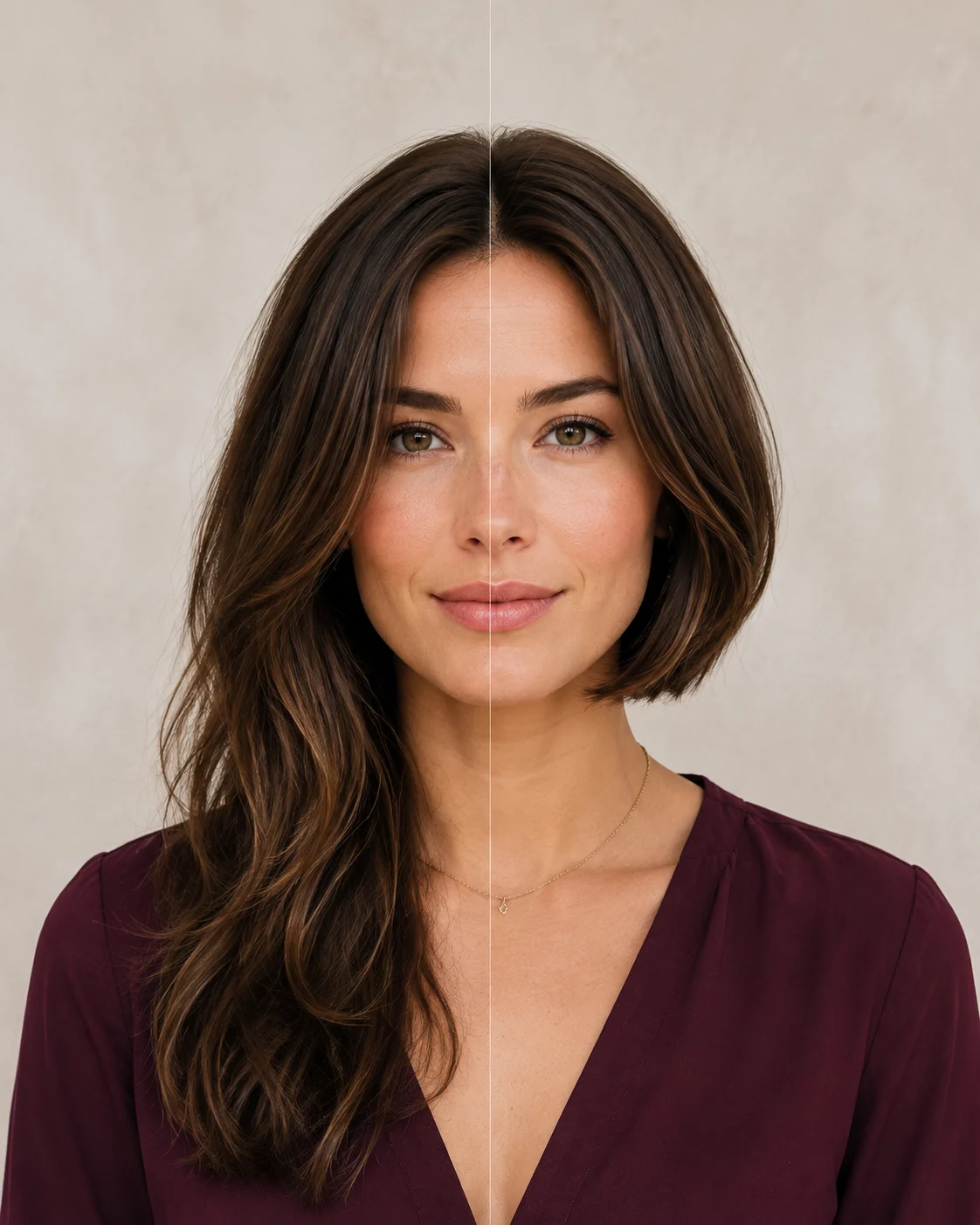
Virtual hairstyle try-on: choose a clear source photo
A virtual hairstyle try-on is easier to compare when every option uses the same clear photo. Take a front-facing image in soft, even light, with the full head and hairline visible and the camera near eye level. Avoid beauty filters, portrait blur, hats, hands, or hair hiding much of your face. Keep your expression relaxed and the background simple.
Choose a recent photo that still looks like you. The goal is not the most flattering selfie; it is a stable base that lets you notice changes in length, outline, fringe, and color without being distracted by a different angle or expression.
- Full head and shoulders in frame
- Even light and clear hairline
- Camera near eye level
- No filter or strong wide-angle distortion
Change one major variable at a time
Compare long versus short before comparing five versions of bangs, layers, texture, and color simultaneously. When every variable changes, you cannot tell which decision created the reaction. A useful sequence moves from silhouette to details.
Start with length and overall outline. Then test an open forehead against a fringe, fuller ends against more movement, or your current color against one new direction. Keep the source photo and viewing conditions the same.
Reliable sequence: length → outline → fringe → layer feeling → color direction.

Judge with a fixed scorecard
For every version, ask the same questions. Does it still feel like you? Does the length work with your routine? Is the forehead more open or enclosed than you prefer? Where does the visual weight sit? Would you accept the hardest-to-reverse detail?
Make a first reaction note before asking friends. Outside opinions can be helpful, but they often reward the most dramatic transformation. Your comfort, maintenance tolerance, and desired identity are the actual criteria.
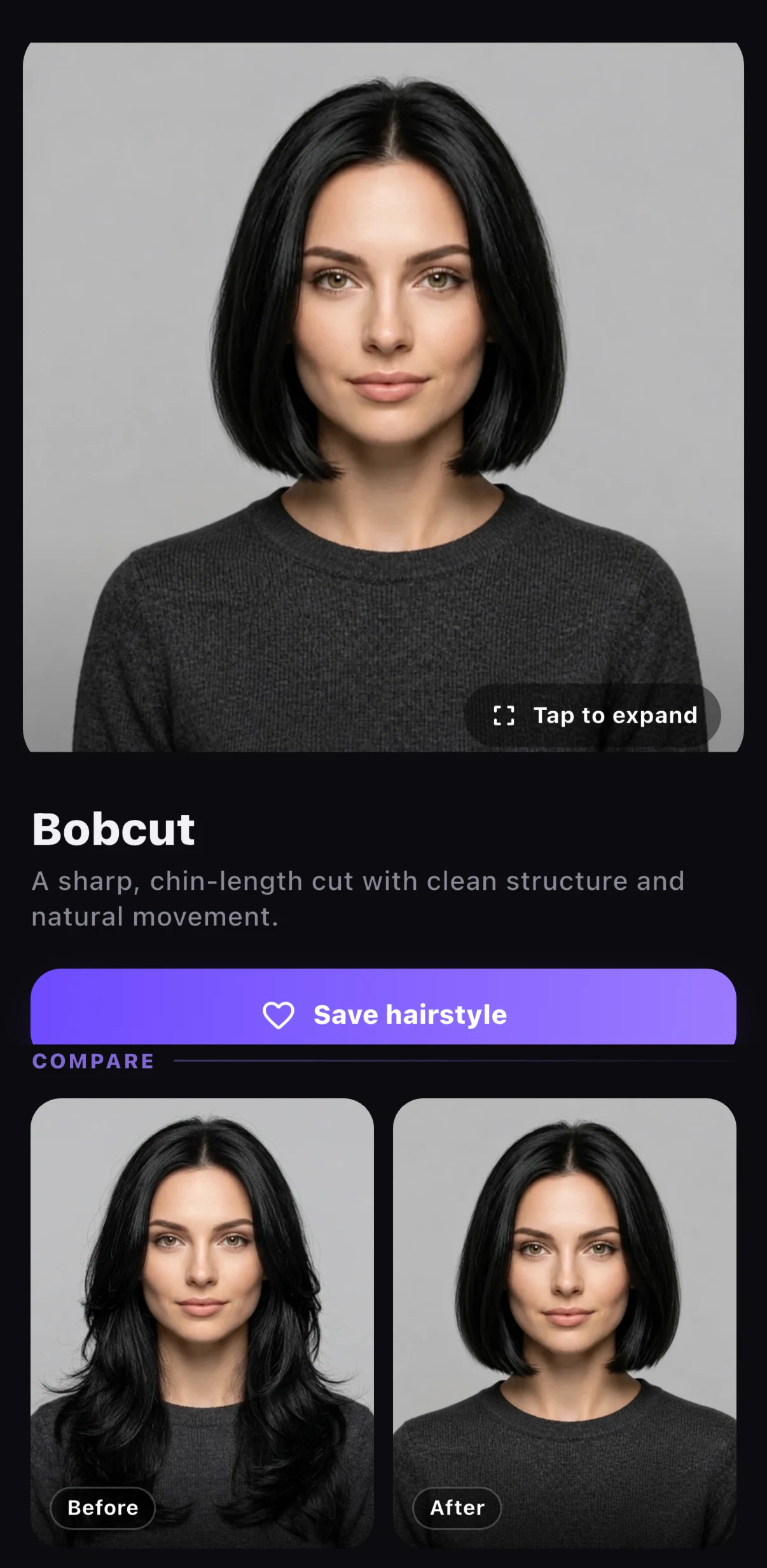
Know what the image cannot verify
A preview cannot fully assess density, chemical history, condition, growth patterns, shrinkage, or how your hair responds to a cutting and styling technique. It may display volume or texture that would require a different routine—or may not be achievable from your current starting point in one service.
Use the image to discuss proportion and intent. Let a stylist assess feasibility, technique, timing, and the safest route. A useful preview creates better questions; it does not replace professional judgment.
Build a salon-ready comparison
Save your original photo, the strongest preview, and one lower-commitment alternative. Add a one-sentence note to each: what you like, what you are unsure about, and which detail must be adapted. Avoid arriving with a gallery of nearly identical results.
Tell the stylist that the images are virtual previews. Ask which visible ideas translate to your real hair and what needs to change. The conversation should end with a cutting plan expressed in length, outline, placement, and maintenance—not only with agreement that the picture looks good.
Use the result as a decision record
Keep the shortlist after the appointment. Compare the real result with the intended direction without expecting pixel-level similarity. Note what translated well, what behaved differently, and which routine the real cut requires.
Those observations improve the next preview and consultation. Over time, you build evidence about the lengths, framing, volume, and color families that feel most like you instead of restarting from trends at every appointment.
Three terms that make this conversation clearer.
You do not need to prescribe technique. Use these words to describe the visible structure, name the behavior you want, and ask what your stylist would adapt.
Baseline
The lower edge or foundation of a haircut, especially visible in bobs and other compact shapes. A strong baseline can make the ends read as fuller and more graphic; a softer or broken baseline can make the outline feel lighter and less exact.
SAY IT IN THE CHAIR“I want the bottom line to feel complete, but not so sharp that the grow-out looks abrupt.”Open full definition
Silhouette
The complete outside shape a haircut creates when viewed as a whole: compact, rounded, triangular, elongated, wide, narrow, or deliberately irregular. It is often the most reliable feature to compare before discussing small details or a polished finish.
SAY IT IN THE CHAIR“I want this overall shape, but I am open to changing the internal technique for my hair.”Open full definition
Consultation brief
A short, usable description of the result you want and the reality it must support. The strongest brief combines one structural change, one non-negotiable boundary, your normal styling routine, and a question that invites the stylist to adapt the plan.
SAY IT IN THE CHAIR“I want to change this, keep this boundary, and make sure the result still works when I style it this way.”Open full definition
Turn this guide into a decision.
Three honest answers are more useful than ten additional reference photos. Your responses stay on this page and can be changed at any time.
- 01Have you compared one major visual change at a time?
Keep the source photo, crop, angle, and face fixed while comparing length, fringe, shape, or color.
- 02Have you named the boundary you do not want traded away?
Examples: tie-back length, full ends, an open forehead, dry length, or support for natural texture.
- 03Does the plan fit your real styling and maintenance rhythm?
Count ordinary mornings, fallback styles, trim frequency, and the way the shape is likely to grow.
The short answers.
What photo works best for a virtual hairstyle try-on?
Use a recent, front-facing photo in soft, even light with the full head, hairline, face, and shoulders visible. Avoid filters, portrait blur, and extreme camera angles.
Can I show a virtual hairstyle preview to my stylist?
Yes. Present it as a direction for length, outline, fringe, or color, then ask what should be adapted for your starting hair, routine, and service history.
How this guide was built.
HairChapter separates haircut structure from styling, trend names, and medical claims. Our recommendations are decision tools, not universal rules: a stylist should adapt the direction to your starting length, density, pattern, condition, growth habits, and normal routine.
We do not claim that a photograph or AI preview can predict a finished service. Sudden shedding, patchy loss, scalp pain, persistent irritation, or an unexplained change in density belongs with a qualified medical professional—not a haircut guide.